Home Internet
Wi-Fi of the accommodation: diagnose before buying
A new subscription does not automatically solve a coverage problem in a remote room. Start by locating the slowdown before purchasing equipment.
Quick response
Essential in a minute
Test the same device near the box and then in the parts concerned, in comparable conditions. Also check the cable connection where possible. L-Arcep advises to clear the box and study its position. Then compare compatibility, connection and location of a possible repeater, instead of holding only a speed displayed on the box.

1. Locate the problem
Draw a simple plan with the box, parts and uses: video call, work or broadcast of content. Reproduce the same test with the same device in different places and note the hours. If only one device is concerned, compare with another before concluding a network defect. When possible, add a cable test with an appropriate configuration. This comparison helps to distinguish a difficulty from the inside network of an internet connection problem, without turning an isolated measure into a definitive diagnosis.
- Plan and parts concerned.
- Same device and same conditions.
- Wired test if available.
2. Try changes without buying
The Arcep plug recommends a central and clear location rather than a box hidden in a cabinet or placed on the ground. Consider what can be moved by respecting the connections and instructions of the supplier. Take the measurements after each change to know what makes an improvement. Note also the obstacles and the devices close to it. A useful change must be practical in everyday life: a cable drawn through a passage can be used for a test, but is not an acceptable sustainable installation in all situations.
- Box Clear.
- Measures after each change.
- Installation practical.
3. Compare the solution and its connection
List devices that need to be connected and priority parts. For a repeater or set of access points, check the announced compatibility with the box, the available ports and the connection modes. A device placed in an area where it already receives the signal badly should not be chosen without considering its connection to the box. Compare the number of units, accessories, electrical sockets and the necessary configuration. Ask for an answer on the precise housing scenario rather than only comparing the theoretical flows recorded on the products.
- Compatibility confirmed.
- Link to the box set.
- Number of units and accessories included.
4. Validate use after installation
Keep the initial measurements and repeat the same tests after installation. Then check the actual need, including the stability of a call in the room where you work. See the hardware update and security instructions; protect its administration and do not publish network identifiers in a help request. Compare the result with the expected return conditions before storing the packages. If the internet link remains in issue, send the observations to the supplier rather than accumulate domestic equipment without demonstrated effect.
- Measures before and after.
- Priority use actually tested.
- Administration and planned updates.
Compare
Associate observation with control
| Observation | Effective monitoring | Procurement to be deferred |
|---|---|---|
| Slowness in one room | Measurement near the box and then in the room | Faster subscription without diagnosis |
| Only one device bothered. | Test with another device | Replacement of the entire network |
| Box in furniture | Test with clear location | Repeater without prior test |
| New equipment | Compatibility and return link | Product selected on the theoretical flow only |
Fictional example · No merchant prices
Cost two solutions only after diagnosis
Fictional example: solution A needs €55 hardware and €15 cable, totalling €70. B costs €90 with all necessary hardware. The difference is €20, meaningful only if both configurations meet the measured need. A lower price guarantees neither speed nor coverage.
| Expense item | Offer A | Offer B |
|---|---|---|
| Product or basket | 55.00 € | 90.00 € |
| Extras | 15.00 € | 0.00 € |
| Total of included items | 70.00 € | 90.00 € |
Installation and electricity excluded; no assumed performance figures.
- Test the same locations before and after under the same conditions.
Before you continue
Final checklist : Improve your home Wi-Fi
Check the points you actually checked. Checks stay in this page during the visit; they are not sent to the server. A checked point does not constitute a validation of the merchant.
Guide: Improve your home Wi-Fi · Révision éditoriale : 28 October 2026.
Frequently Asked Questions
Useful answers
Does the fiber guarantee a good Wi-Fi in all rooms?
The connection to the housing and the indoor wireless network are two distinct elements. Compare testing by location and, where possible, by cable. Insufficient coverage can persist with a fast internet connection.
Where to place a repeater?
Follow the package leaflet and check the quality of its connection with the box. L-Arcep explains that it must extend the signal without being placed too far from the source. Test several reasonable locations before concluding.
Is a flow test sufficient to judge the installation?
Add your actual usages and several comparable measurements. The punctual flow does not describe all the devices or a working day. Keep a picture with place, time, device and observation.
To check
Reference sources and documentation
The editorial update date does not guarantee a new verification of each source. See the references for an individual situation or regulatory evolution.
- Arcep — Improving the quality of its Wi-FiBox placement and repeater principle. No actual flow rate or result guaranteed by this guide.
Putting into practice
Explore relevant shops

Continue
Other purchase guides
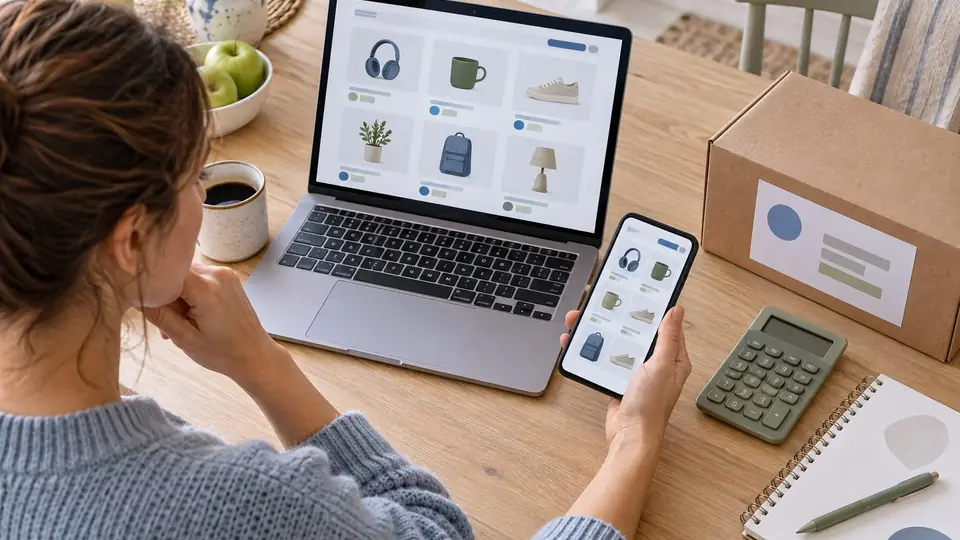
Comparison of offers
Compare the total cost
Calculate the real cost of an order by comparing the price delivered, the time, returns, warranty and services included, not just the discount displayed.
Read the guide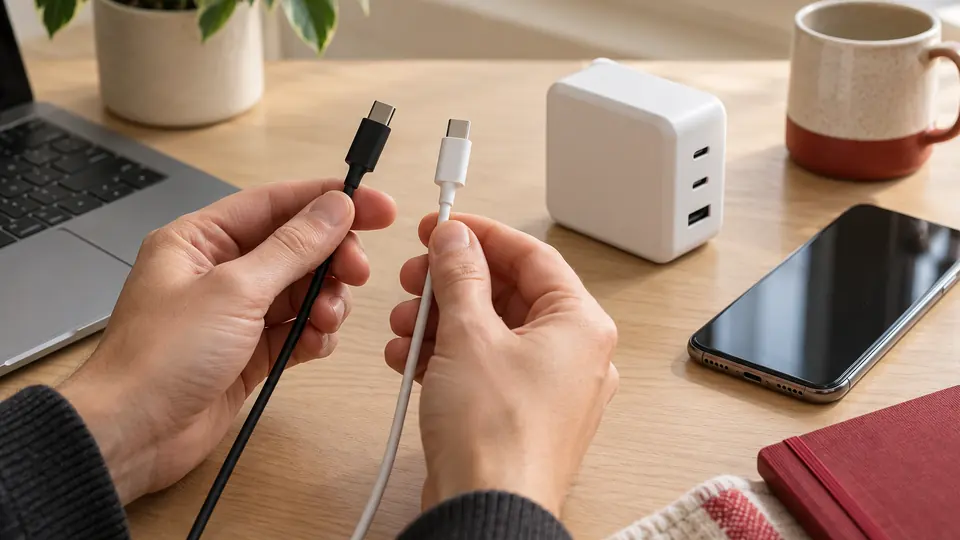
Compare characteristics and costs
USB-C chargers and cables: check compatible features
Compare the power, ports, load sharing, cable length, and data or video functions required.
Read the guide
Telephone and digital use
Choose a smartphone for long-term use
Compare a smartphone from your applications, storage, battery, software tracking, and reception and migration controls.
Read the guide