Daily travel
Backpack for computer: dimensions, storage and travel
The diagonal in inches of a computer does not describe its external dimensions. A bag must accommodate the device, but also the objects that accompany it during the journey.
Quick response
Essential in a minute
Measure the length, width and thickness of the computer with the protection used. Bring these values closer to the exact pocket, then check access, closure, storage and comfort with the items transported. The volume of the bag and the mention of a diagonal do not guarantee the adjustment alone. Check separately any announced protection against water.

1. Measure the object that must enter the pocket
Place the computer closed and measure the length, width and thickness. Add the cover or shell that will actually be used. The Eastpak guide consulted illustrates this check by pocket dimensions: these are references of its range, not a rule applicable to all bags. If a plug only provides a diagonal, ask for the useful measurements. Also check the opening: a large enough pocket inside can be difficult to use if the passage is narrower.
- Three dimensions are noted.
- Protection included in the measure.
- Pocket and opening confirmed.
2. Build the list of the actual route
List computer, charger, cables, documents, clothing, meals and drink. Distinguish fragile objects, those that must remain accessible and those that can wet or dirty the others. Compare the compartments to this list rather than the number of pockets. Ficile example: a bag suitable for the computer but forcing to buy a small pouch to 15 € must be compared with this cost added if the pouch is essential for your use.
- Priority objects and access listed.
- Organization of fragile elements studied.
- Storage accessories added to the budget.
3. Bringing the format closer to the mode of transport
Specify walking, cycling, public transport or travelling with a suitcase. Look at the weight of the empty bag, settings and wearing elements of the selected reference. For travel with luggage constraints, check the applicable rules with the carrier: this guide does not define an authorized universal size. The silhouette worn in a photograph does not establish the comfort with your load or the ease of handling. A test under the conditions allowed by the seller can help to appreciate the fit.
- Route mode identified.
- Adjustments and weights examined.
- Transport constraints confirmed separately.
4. Read precisely the protections announced
Distinguish water-repellent material, rain cover and explicitly declared protection for the complete bag. A fabric property does not automatically describe that of seams, closures and openings. Check the closure of the computer pocket and maintenance instructions, then ask for a precision if a level of protection is determinant. Do not present a photograph in the rain or a collection name as proof of water-tightness. Upon receipt, check dimensions and contents before leaving with fragile material.
- Property and perimeter of protection read.
- Closures and storage of the device examined.
- Planned maintenance and approval check.
Compare
Four compatibility measures
| Item | Useful information | Limit |
|---|---|---|
| Computer | Length, width, thickness | The diagonal is not enough |
| Dimensions and opening | The overall volume does not describe it | |
| Trajectory | Load and settings | A photograph does not test comfort |
| Protection | Property and perimeter | The fabric alone does not prove the waterproofness |
Before you continue
Final checklist : Choose a bag that fits your laptop
Check the points you actually checked. Checks stay in this page during the visit; they are not sent to the server. A checked point does not constitute a validation of the merchant.
Guide: Choose a bag that fits your laptop · Révision éditoriale : 14 October 2026.
Frequently Asked Questions
Useful answers
A computer 15 does he enter any bag 15 inches?
Check the outside dimensions and the pocket dimensions. The diagonal screen does not fix the format of the case or its cover.
Is the largest volume ever more practical?
Compare the organization, access and congestion with your actual load. Unused volume can complicate the journey.
Is it a deperlant that means my computer is protected in all rain?
Do not generalize this property to the entire bag. Read the announced conditions and perimeter, then the recommended protections for your device.
To check
Reference sources and documentation
Sources consulted on .
The editorial update date does not guarantee a new verification of each source. See the references for an individual situation or regulatory evolution.
- Eastpak — Computer Size GuideExample manufacturer in English on measuring the device and pocket. The sizes of this range are not universal standards.
Putting into practice
Explore relevant shops
Continue
Other purchase guides

International procurement
Plan a purchase outside the EU
Country of dispatch, VAT, flat fee, carrier fees and return: estimate the cost before ordering outside the EU.
Read the guide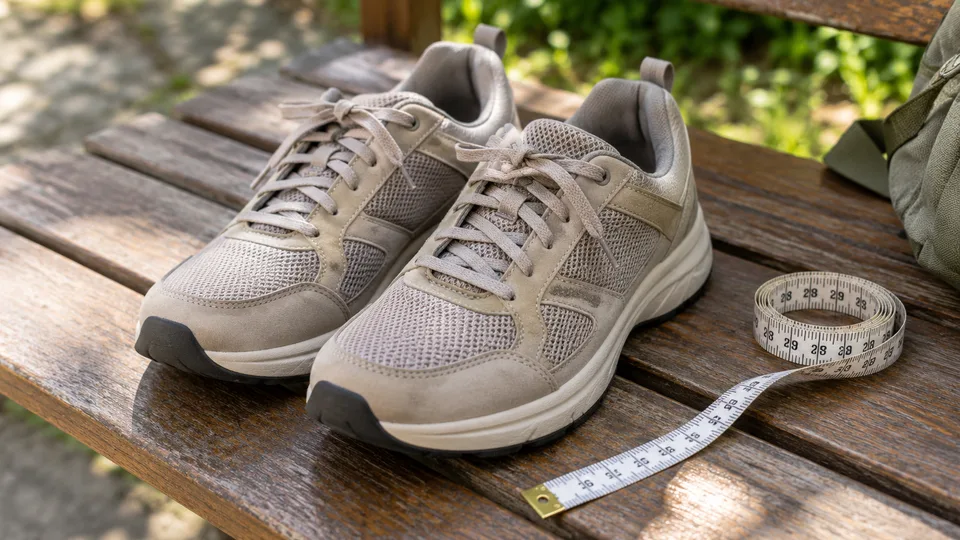
Fashion and shoes
Compare shoe sizes and widths
Prepare a purchase of shoes with useful measurements, model guide, material reading and a clean test before deciding on the return.
Read the guide
Order receipt
Resolve a delivery problem
Promised date, follow-up, reservation, unreceived package: organize the evidence, formulate a clear timeline and send the request to the right contact.
Read the guide